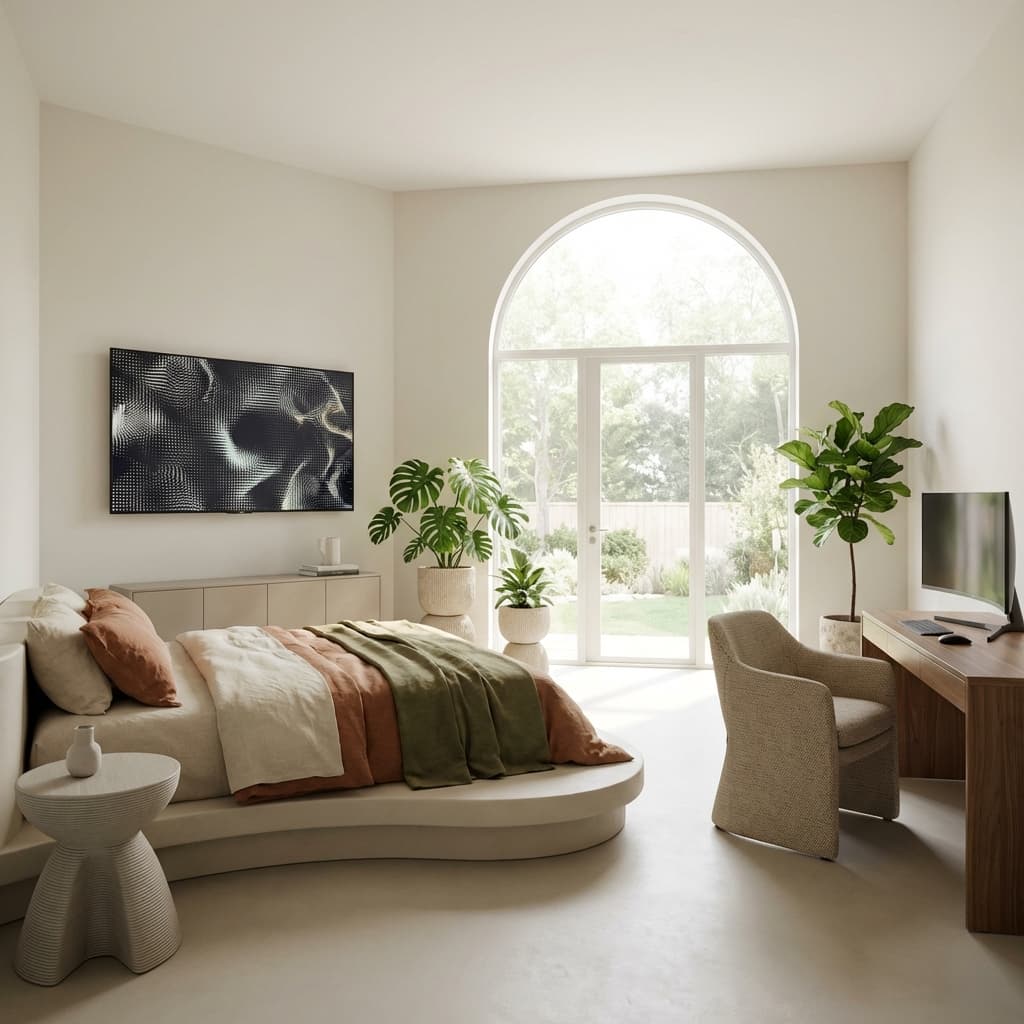
5 Essential Tips for Better AI Room Design
AI room visualization has transformed interior design, making professional-quality mockups accessible to everyone. But the quality of your results depends on how you use the tool. Here are five essential strategies to create stunning, realistic designs.
1. Start with Quality Photos
Your AI-generated designs are only as good as your input images. The algorithm analyzes your photo to understand room dimensions, lighting, and architectural features.
Photography Essentials
Lighting Matters Shoot during daylight with curtains open and all lights on. Avoid harsh shadows and don't use flash. Natural, even lighting helps the AI accurately interpret your space.
Get the Angle Right Stand in a room corner to capture maximum area. Hold your camera at chest height and keep it level—tilted angles distort proportions. Include the floor, full walls, and architectural features.
Prepare Your Space Remove clutter and personal items. Clean mirrors and windows. Straighten furniture. A tidy room gives the AI a clear canvas for better results.
Technical Tips Use your phone's main camera, not wide-angle. Enable HDR if available. Avoid flash entirely.
2. Know Your Design Style
Understanding design styles helps you make intentional choices and get consistent results.
Popular Styles
Modern Minimalist - Clean lines, neutral colors, functional furniture, uncluttered spaces
Scandinavian - Light and airy with whites, pale woods, cozy textiles, and natural elements
Industrial - Raw materials like exposed brick, concrete, and metal with open layouts
Mid-Century Modern - Organic curves, tapered legs, mix of materials, retro color pops
Coastal - Light and breezy with blues, whites, natural fibers, and relaxed vibes
Traditional - Classic furniture, rich colors, ornate details, symmetrical arrangements
Mix Styles Strategically
Don't limit yourself to one aesthetic. Successful designs often blend elements: choose one dominant style (70%), add complementary elements (20%), and include unique accents (10%).
3. Balance Beauty with Function
Consider how you actually use the space before generating designs.
Living Rooms - Plan for conversation flow, entertainment setup, storage, and multiple activities
Bedrooms - Prioritize sleep quality, clothing storage, privacy, and morning routines
Home Offices - Focus on ergonomics, video call backgrounds, natural light, and cable management
Kitchens - Ensure efficient workflow, adequate storage, prep space, and easy-to-clean surfaces
Ask yourself: Who uses this space? What activities happen here? What storage is needed? How might needs change over time?
4. Generate Multiple Variations
AI's biggest advantage is speed—leverage it. Don't settle for the first design.
Try Different Styles - Generate the same room in 5-7 aesthetics to discover what resonates
Vary Color Palettes - Test warm vs. cool tones, monochromatic vs. contrasting schemes
Adjust Layouts - Experiment with furniture arrangements and focal points
Play with Scale - Try statement pieces vs. minimal furniture, large vs. small elements
Each variation teaches you about your preferences and your space's potential. Save favorites and look for patterns in what consistently appeals to you.
5. Understand Lighting Principles
Lighting can make or break a design. While AI shows idealized lighting, understanding real-world principles helps you plan effectively.
Three Types of Lighting
Ambient - Overall room illumination from ceiling fixtures, chandeliers, or recessed lights
Task - Focused light for specific activities like reading, cooking, or working
Accent - Highlights for architectural features, artwork, or decorative elements
Plan for Real Conditions
AI visualizations show one moment in time. Consider your actual lighting: which direction windows face, how sunlight moves through the day, and whether you need different bulb temperatures for different zones.
Color Temperature Guide:
- Warm White (2700-3000K) - Cozy, welcoming
- Neutral White (3500-4100K) - Versatile, natural
- Cool White (5000-6500K) - Energizing, focused
Use AI to Prevent Costly Mistakes
Before purchasing furniture or paint:
- Visualize items in your actual space to verify scale and color
- Test how new pieces work with existing elements
- Compare multiple options side-by-side
- Share designs with family for consensus
- Create a phased plan that fits your budget
AI visualization helps you avoid buying pieces that don't fit, choosing wrong paint colors, or investing in styles that clash with your architecture.
Your Design Process
- Photograph your space with good lighting from multiple angles
- Generate 5-10 variations in different styles
- Refine your top 2-3 favorites with subtle adjustments
- Evaluate each design against your functional needs and budget
- Plan specific changes: paint colors, furniture, lighting, accessories
- Implement gradually, starting with high-impact, low-cost updates
Understanding AI's Capabilities
What AI Does Well:
- Transform rooms into different styles instantly
- Show color scheme impacts
- Visualize furniture arrangements
- Demonstrate material and texture combinations
Current Limitations:
- Colors may vary slightly from real paint or materials
- Specific furniture may not match available products exactly
- Lighting appears idealized compared to real conditions
- Some elements may be stylized rather than photorealistic
Use AI as a powerful planning tool, but verify colors, dimensions, and product availability before final purchases.
Conclusion
AI visualization tools democratize professional-quality design exploration. By capturing quality photos, understanding design styles, prioritizing functionality, exploring multiple variations, and planning for real-world lighting, you'll create spaces that are both beautiful and livable.
The best designs aren't about perfectly replicating an AI image—they're about using visualization to clarify your vision, make informed decisions, and create spaces that enhance your daily life.
Ready to transform your space? Start visualizing now and discover what's possible.
Related Articles
View All
Scandinavian vs. Japandi: Exploring Popular Design Styles
Confused by design terminology? We break down the differences between two of the hottest minimalist styles and help you decide which one suits your home.
AI Interior Design Trends Transforming Homes in 2026
Discover how AI-powered design visualization is revolutionizing interior design, making professional-quality room transformations accessible to everyone.
How to Choose the Perfect Paint Colors with AI
Stop guessing and start visualizing. Learn how AI tools can help you test multiple color palettes on your actual walls before you buy a single drop of paint.